
Textures & Materials
Free
The official marketplace for the open-source 3D game engine. Grab production-ready models, textures, sprites, audio and editor plugins — then drop them straight into your project's Assets/ folder.
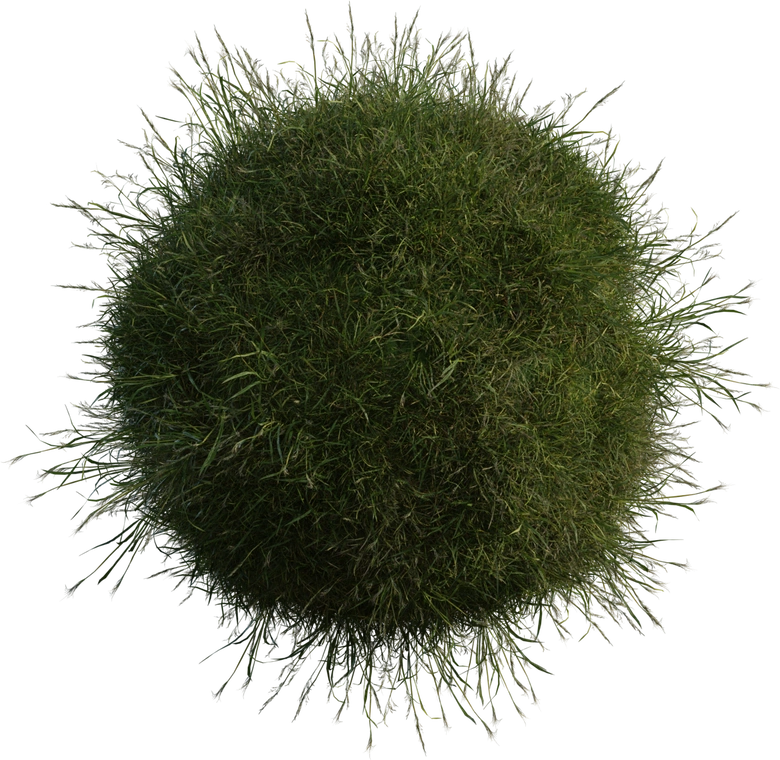
A ground cover grass to add in your game
by mostofa.
A ground cover grass to add in your game
Featured
Curated by the Lumo team — high quality, engine-ready and tested in the editor.
How it works
No package manager, no registry lock-in. Lumo assets are plain folders with predictable layouts.
Grab any free pack from the store — or publish your own and let the community download it.
Unzip the pack into your project's Assets/ folder. The engine picks up the folder automatically — no import wizard.
Open the Lumo editor, hit Import and the asset appears in your scene — materials, animations and audio mapped for you.
Editor extensions
Add exporters, level-design tools, shader previews and CI hooks — installed with one drop into /Plugins.
No plugins published yet — be the first to ship one.
Publish a pluginDocumentation
Guides written by the engine team, from first scene to store upload.
Install Lumo Engine, create a project and run your first scene in a few minutes.
How Lumo reads glTF 2.0 / GLB files, materials, animations and how to troubleshoot imports.
Package your Lumo project for Windows, the web and mobile, with CI-friendly CLI builds.
How the editor's Asset Store tab talks to this site, and how you can too.
Community support
Lumo Engine is developed in the open. File an issue, open a discussion or request a feature — the team reads everything.